What
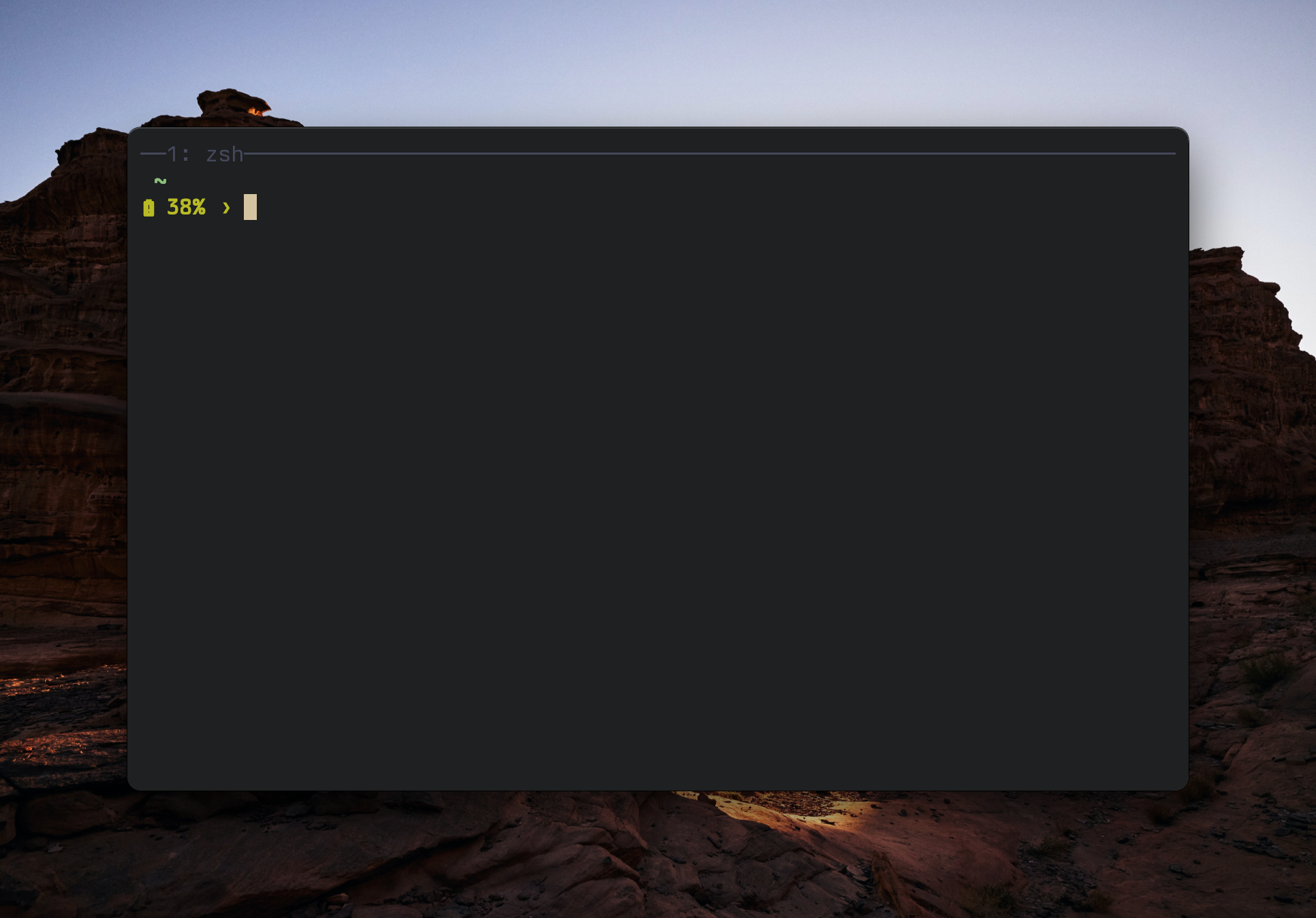
I want to hide my tmux status bar when only 1 window is open. Otherwise is shown.
How?
Showind or hiding the status bar is pretty straightforward:
set -g status <on|off>How do we make this automatically? tmux provides us hooks, by using them we can dynamically set the status to off when windows are less than 2, below the script:
# Hide status bar if only one window and one session
set -g status off

set-hook -g after-new-window 'if "[ #{session_windows} -gt 1 ]" "set -g status on"'
set-hook -g after-kill-pane 'if "[ #{session_windows} -lt 2 ]" "set -g status off"'
set-hook -g pane-exited 'if "[ #{session_windows} -lt 2 ]" "set -g status off"'
set-hook -g window-layout-changed 'if "[ #{session_windows} -lt 2 ]" "set -g status off"'

# had to add this too in my personal config, the status bar weren't hiding on startup
# even tho the `set -g status off` on the line before this block
set-hook -g session-created 'if "[ #{session_windows} -lt 2 ]" "set -g status off"'
As you can see, we check after-new-window if there are more than 1 window then we show the statusbar.
On after-kill-pane, pane-exited and window-layout-changed we check if windows are less than 2 then we hide the statusbar.
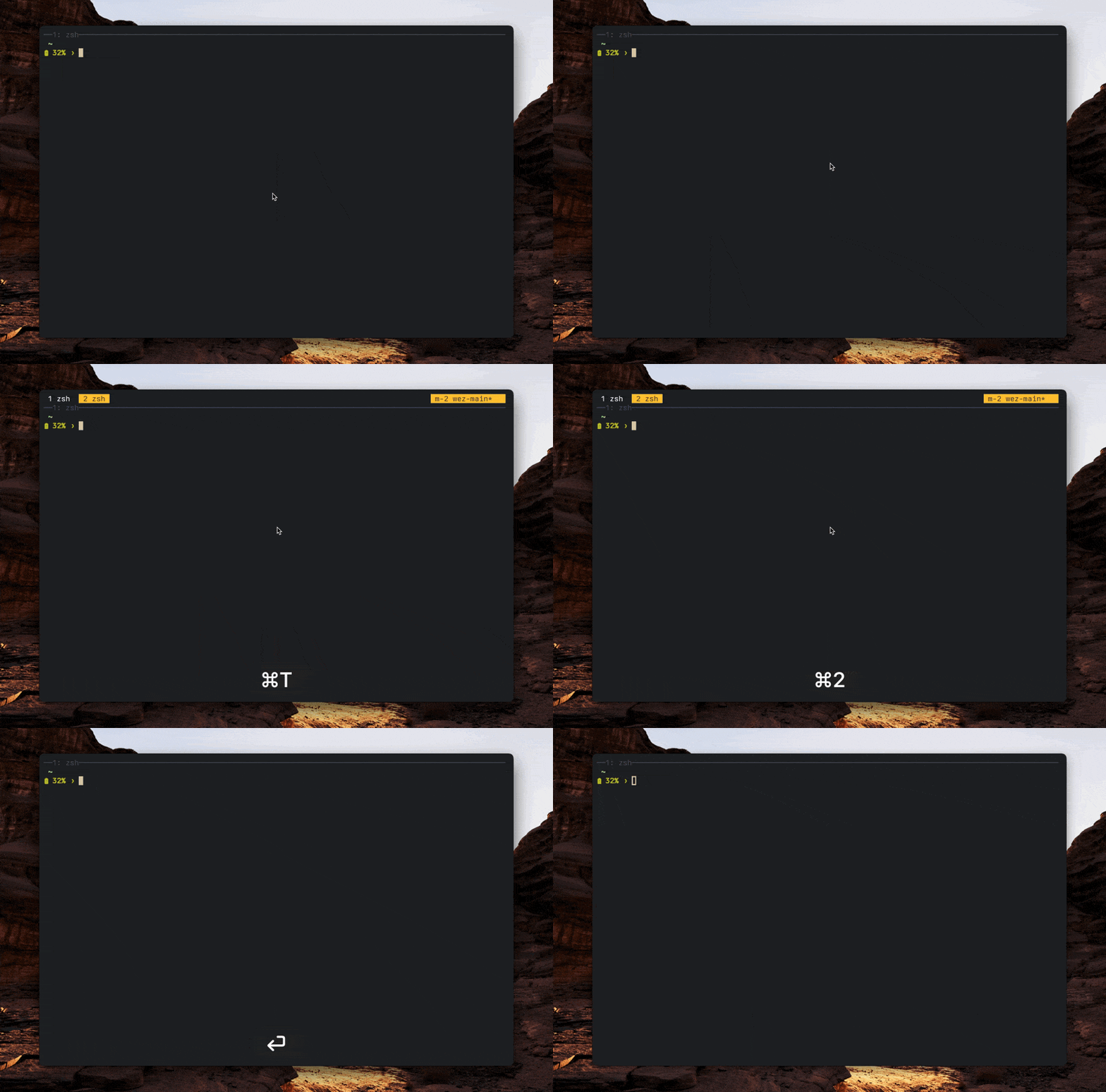
In this way we achieved what we wanted, from now on when there's only 1 window open, the statusbar will be hidden.